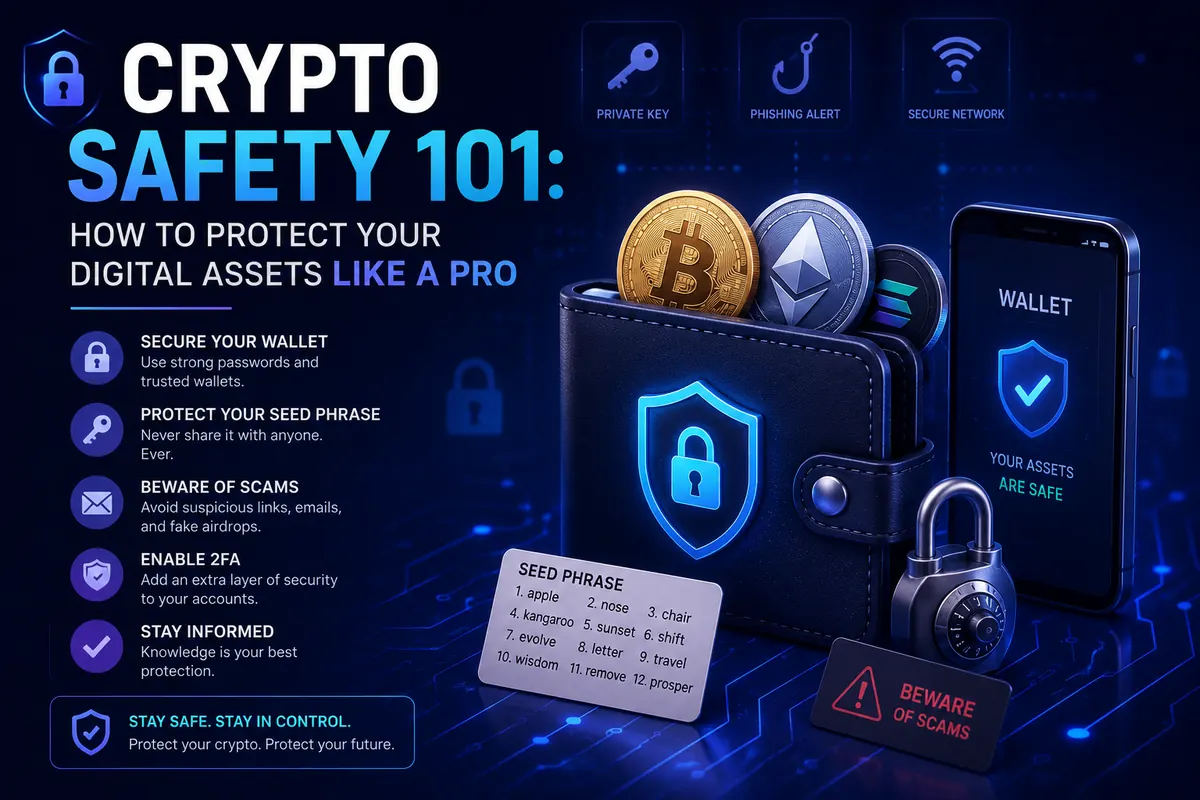
How to Revoke Token Approvals: Step-by-Step Wallet Cleanup
Learn how to check and revoke token approvals with Revoke.cash or Etherscan, which approvals to remove first, and how often to clean up your wallet.
Token approvals stay active until you revoke them, so check your wallet with a trusted tool, remove anything you don't use or recognise, and repeat every month.
Every time you swap a token, buy an NFT or use a DeFi app, your wallet probably asked you to "approve" something. Most people click it and forget about it. That approval does not expire. Months later, it can still let a contract move tokens out of your wallet.
This guide shows you how to find every approval your wallet has given, which ones to remove first, and how to revoke them safely in a few minutes. If you are not sure what an approval is yet, start with crypto wallet approvals explained, then come back here for the cleanup.
Why old approvals are a real risk
A token approval gives a smart contract permission to spend a specific token from your wallet. Many apps ask for an unlimited approval by default, so you do not need to approve again next time. That is convenient, but it means:
- The permission stays active after you stop using the app.
- If that app's contract is later hacked, the attacker may be able to use your approval to take your tokens.
- If you once signed an approval on a fake website, the scammer can drain that token whenever it lands in your wallet, even weeks later.
Revoking an approval closes that door. It is one of the simplest security habits in crypto, and most beginners have never done it.
Before you start: three things to know
- Disconnecting is not revoking. Clicking "disconnect" in a dapp or in your wallet only stops the website from seeing your address. The on-chain approval is still there.
- Each revoke is a transaction. You pay a small network fee for every approval you remove, so keep a little of the network's native coin (for example ETH on Ethereum) in the wallet.
- Approvals are per network. Approvals on Ethereum do not show up when you check Arbitrum, Base or BNB Chain. Check each network you have used.
Option 1: Revoke approvals with Revoke.cash
Revoke.cash is a free, open-source tool that supports Ethereum and many other EVM networks. It is the easiest choice for beginners.
- Open the real site. Type revoke.cash directly into your browser and bookmark it. Do not click links from ads, search results or messages; fake copies of approval tools exist. Our guide on fake crypto website warning signs explains what to look for.
- Check first, connect later. You can paste your public wallet address into the search box to see your approvals without connecting anything.
- Choose the network. Select the chain you want to check, such as Ethereum, Arbitrum or Base.
- Review the list. You will see each token, the contract (spender) it is approved for, and the allowed amount. "Unlimited" means the contract can spend all of that token.
- Connect your wallet to revoke. When you are ready, connect and click Revoke next to an approval.
- Read the wallet pop-up and confirm. The transaction should set the allowance to zero. Confirm it and wait for it to complete.
- Repeat for each approval and each network.
Option 2: Use Etherscan's Token Approval Checker
If you mostly use Ethereum mainnet, Etherscan has a built-in approval checker.
- Go to etherscan.io, open the More menu and choose Token Approvals.
- Paste your wallet address to see every active approval.
- Connect your wallet using the button on that page.
- Click Revoke next to the approval you want to remove and confirm in your wallet.
Other networks have their own explorers with similar tools (for example BscScan, Arbiscan and Basescan). Revoke.cash is simpler if you use several networks.
Which approvals should you revoke first?
You do not need to revoke everything. Some approvals are for apps you use every week. Prioritise in this order:
- Anything you do not recognise. If you cannot remember the app or the contract has no name, revoke it.
- Approvals given on sites you no longer trust, including any "airdrop claim" or "mint" page you are unsure about. Our airdrop safety guide explains why these are so common.
- "Approval for all" on NFT collections. This lets a contract move every NFT in that collection, so it is a favourite of scammers.
- Unlimited approvals on valuable tokens such as stablecoins, for apps you rarely use.
- Old apps you stopped using. If you used a protocol once two years ago, there is no reason to keep the door open.
How to make approvals safer next time
- Set a custom amount. Many wallets let you edit the approval amount in the pop-up. Approve only what you are about to spend instead of "unlimited".
- Read every signature request. If a pop-up says "approve", "set approval for all" or "permit" when you only expected to log in or claim something, reject it.
- Use a separate wallet for experiments. Keep your main savings in one wallet and use a second wallet with a small balance for new apps, mints and airdrops.
- Do a monthly cleanup. Put a five-minute reminder in your calendar to check your approvals on each network you use.
What revoking cannot do
Revoking stops future spending. It does not bring back tokens that were already taken; blockchain transactions cannot be reversed.
It also does not help if your seed phrase or private key has been exposed. Anyone with your seed phrase controls the wallet completely and can approve anything again. If that might have happened:
- Create a new wallet with a new seed phrase and store it properly. Our guide on how to store a seed phrase safely walks you through it.
- Move all remaining funds to the new wallet as quickly as possible.
- Stop using the old wallet.
Frequently asked questions
Does revoking an approval cost money?
Yes, a small network fee for each revoke, because it changes data on the blockchain. On Layer 2 networks such as Arbitrum or Base, the fee is usually very low.
Will revoking break the app I use?
No. The next time you use that app, it will simply ask you to approve again. Nothing in your wallet is lost.
Is it safe to connect my wallet to Revoke.cash?
The genuine site only asks you to sign revoke transactions, which set approvals to zero. Make sure you are on the real domain, and read each pop-up before confirming.
Do Bitcoin wallets have token approvals?
No. Token approvals are a feature of smart contract networks like Ethereum and other EVM chains. Solana has its own similar "delegation" system, which needs separate tools.
The short version
Approvals never expire on their own. Check your wallet with Revoke.cash or Etherscan, revoke anything unknown or unused, approve smaller amounts in future, and repeat every month. Five minutes of cleanup can stop a drain that would otherwise wait silently in your wallet.
Stay safe: never share your seed phrase or private key with anyone, including people who say they are support staff.
This guide is for education only and is not financial advice. Crypto prices can fall sharply. Only use money you can afford to lose.
Spotted a mistake or something out of date? Send a correction.